
Knowledge Base Software: Complete Guide to Choosing the Right Platform for Businesses in 2026
Knowledge base software helps businesses organize, manage, and share important information through a centralized and searchable platform. This guide explains how knowledge management software works, its key features, benefits, use cases, and how companies can choose the right solution for internal teams and customer support. Learn why AI-powered knowledge bases are becoming essential for improving productivity, reducing repetitive work, and creating better customer experiences in 2026.
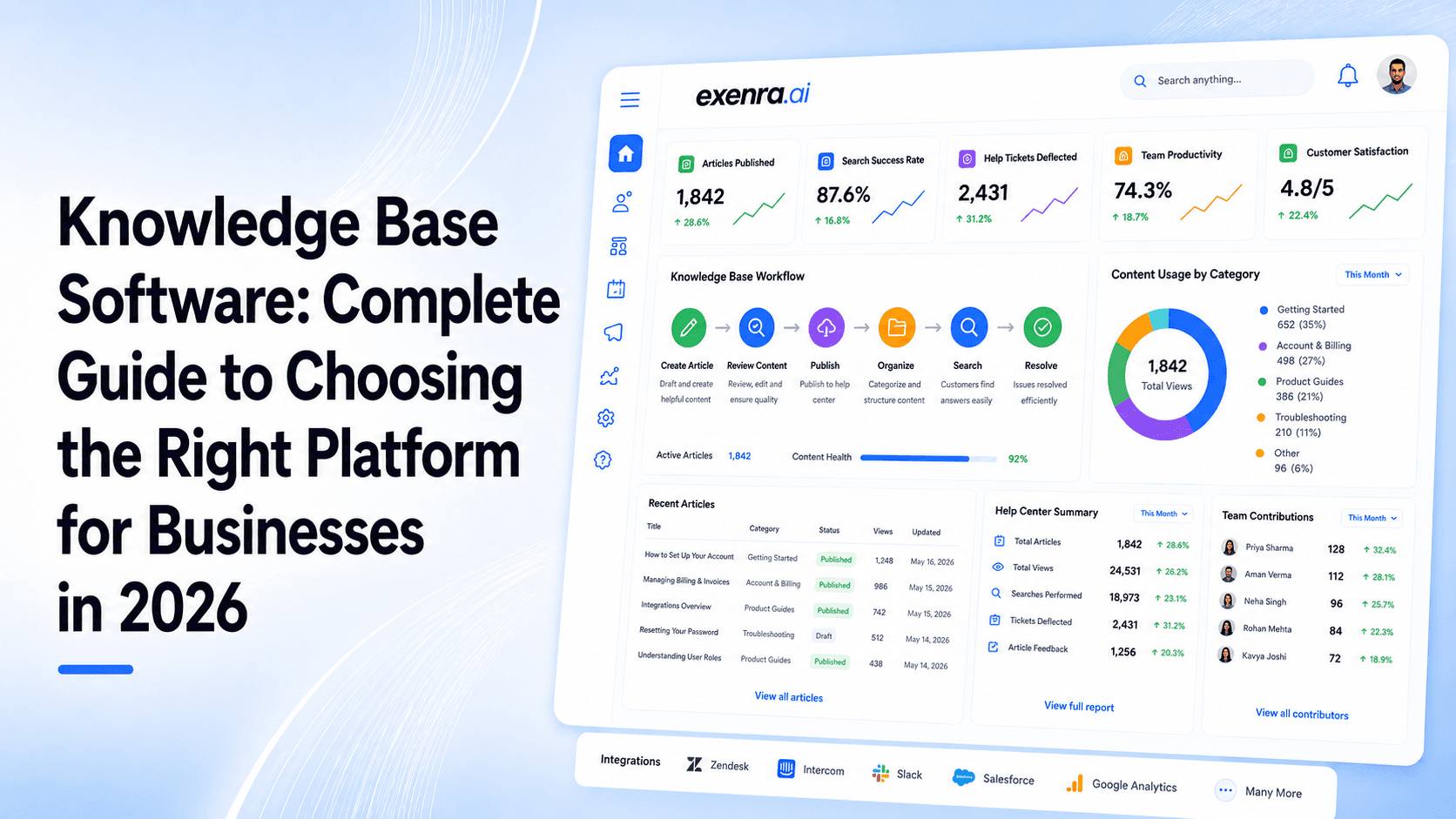
Businesses today create and manage more information than ever before.
Every department has important knowledge that needs to be stored, shared, and accessed quickly.
Customer support teams manage help articles.
Sales teams maintain product information.
Marketing teams create brand guidelines.
HR teams manage company policies.
Technical teams document processes.
But as companies grow, information often becomes scattered across different places:
Emails
Google Docs
Slack conversations
Shared folders
Internal messages
Multiple software platforms
The problem is not a lack of information.
The problem is finding the right information when it is needed.
This is where knowledge base software helps businesses create a centralized system where teams and customers can quickly find accurate answers.
A modern knowledge base is more than just a collection of documents. It is a structured information hub that improves customer support, increases employee productivity, and helps businesses scale efficiently.
In 2026, companies are moving toward smarter knowledge management solutions powered by AI, automation, and intelligent search.
What Is Knowledge Base Software?Knowledge base software is a platform that allows businesses to create, organize, store, and share information in a searchable format.
It acts as a digital library where companies can manage different types of knowledge, including:
Help center articles
Product documentation
Customer FAQs
Internal company guides
Employee training resources
Troubleshooting instructions
Sales enablement content
Business processes
Instead of employees or customers asking the same questions repeatedly, they can search the knowledge base and find answers instantly.
In simple terms:
Knowledge base software helps businesses turn scattered information into an organized and searchable knowledge system.
Why Businesses Need Knowledge Base Software in 2026As companies grow, managing information becomes more difficult.
A small team may easily remember where information is stored, but larger teams face problems.
Information becomes difficult to find
Important knowledge may exist in different locations.
For example:
A customer support manager might have an answer inside an email.
A salesperson might have updated pricing information inside a document.
A new employee might need a process guide hidden inside a shared folder.
Without a knowledge base, employees waste time searching.
Repeated questions slow teams down
Many businesses spend hours answering the same questions.
Examples:
How do I reset my account?
Where can I find the onboarding process?
What is the refund policy?
How does this feature work?
A knowledge base reduces repetitive work by keeping answers available.
Customers expect instant answers
Modern customers prefer self-service.
They do not always want to:
Wait for support emails
Open tickets
Contact customer service
A customer knowledge base allows users to find solutions immediately.
Business knowledge can disappear
When experienced employees leave, companies often lose valuable knowledge.
A knowledge base helps capture important information and keeps it available for future teams.
How Knowledge Base Software WorksA knowledge base platform usually works through four main stages.
1. Creating Knowledge Content
Teams create useful resources such as:
Articles
Guides
Tutorials
Documentation
FAQs
Internal resources
2. Organizing Information
Content is structured using:
Categories
Topics
Tags
Search filters
Collections
This makes information easier to discover.
3. Searching and Accessing Information
Users can search the knowledge base using keywords.
Modern platforms also use AI search to understand questions and provide more relevant answers.
4. Updating and Improving Content
Businesses can monitor:
Popular articles
Missing information
Search behavior
Customer questions
This helps improve the knowledge system continuously.
Types of Knowledge Base SoftwareKnowledge bases are not all created for the same purpose.
Businesses usually use three main types.
1. Internal Knowledge BaseAn internal knowledge base is designed for employees.
It stores company information such as:
Policies
Workflows
Training documents
Team processes
Internal guidelines
Example:
A new employee can quickly learn company processes without asking multiple team members.
Best for:
Growing companies
Remote teams
Large organizations
An external knowledge base is created for customers.
It usually includes:
FAQs
Product guides
Tutorials
Troubleshooting articles
Example:
A SaaS company creates a help center where customers can solve common issues.
Benefits:
Faster support
Better customer experience
Reduced support workload
This type focuses on explaining products or services.
It includes:
Feature documentation
User manuals
Setup instructions
Technical guides
Commonly used by:
Software companies
Technology businesses
Service providers
Choosing the right knowledge base platform requires understanding important features.
1. Advanced SearchSearch is one of the most important parts of a knowledge base.
Users should be able to find answers quickly.
Modern search features include:
Keyword search
AI-powered search
Smart recommendations
Filters
A powerful search system improves the entire knowledge experience.
2. AI-Powered Knowledge ManagementAI is changing how businesses manage information.
Modern knowledge base software can help with:
Finding information faster
Creating content suggestions
Summarizing documents
Improving search accuracy
Automating answers
AI helps teams spend less time searching and more time working.
3. Easy Content CreationA good knowledge base should allow anyone to create content without technical skills.
Useful features include:
Simple editors
Templates
Media support
Content formatting
Knowledge is created by teams.
Collaboration features help users:
Review articles
Add feedback
Assign updates
Manage approvals
Businesses need to know how their knowledge base performs.
Analytics can show:
Most viewed articles
Popular searches
Missing answers
Customer behavior
This helps improve content quality.
6. Permissions and Access ControlNot all information should be available to everyone.
Businesses need control over:
Who can view content
Who can edit information
Who can publish updates
A knowledge base becomes more powerful when connected with other business tools.
Examples:
CRM platforms
Customer support tools
Communication software
Project management toolsBenefits of Knowledge Base Software
Faster Customer Support
Customers get answers without waiting.
This improves satisfaction and reduces support pressure.
Better Employee Productivity
Employees spend less time searching for information.
Improved Team Collaboration
Everyone works from the same information source.
Faster Employee Training
New employees can learn processes quickly.
Reduced Operational Costs
Automation and self-service reduce repetitive tasks.
Knowledge Base Software Use CasesCustomer Support Teams
Support teams use knowledge bases to:
Reduce repeated questions
Provide faster answers
Improve customer experience
Sales Teams
Sales teams store:
Product details
Pricing information
Sales materials
Customer responses
This helps sales representatives respond faster.
Marketing Teams
Marketing teams manage:
Brand guidelines
Campaign processes
Content documentation
HR Departments
HR teams use knowledge bases for:
Employee policies
Benefits information
Company procedures
Technical Teams
Technical teams maintain:
System documentation
Troubleshooting guides
Development processes
Traditional Documentation
Knowledge Base Software
Information stored in different files
Centralized knowledge system
Difficult to search
Fast search experience
Manual updates
Easy content management
Limited collaboration
Team collaboration
Hard to scale
Built for growing businesses
Knowledge Base Software and AI: The Future of Information ManagementAI is making knowledge bases smarter.
Future knowledge platforms will help businesses:
Automatically organize information
Answer customer questions
Recommend useful resources
Identify missing documentation
Improve workflows
Businesses are moving from simple document storage to intelligent knowledge systems.
How to Choose the Right Knowledge Base SoftwareBefore choosing a platform, businesses should consider:
Business Goal
Do you need:
Customer support?
Internal documentation?
Product resources?
Ease of Use
The platform should be simple enough for teams to use daily.
Search Quality
A knowledge base is only valuable if users can quickly find answers.
AI Capabilities
AI features can improve:
Search
Content creation
Customer support
Scalability
Choose software that can grow with your business.
Common Mistakes Businesses MakeCreating content without organization
A knowledge base needs proper structure.
Not updating information
Outdated information creates confusion.
Ignoring user experience
The platform should be easy for employees and customers.
Adding unnecessary content
Useful information is better than large amounts of irrelevant content.
How Exenra.ai Helps Businesses Improve Knowledge and WorkflowsTraditional knowledge base platforms mainly focus on storing information.
Modern businesses need knowledge connected with daily operations.
Exenra.ai helps businesses improve workflows by connecting information management with automation.
Businesses can improve:
Team productivity
Workflow processes
Customer interactions
Operational visibility
Instead of information sitting unused, businesses can create smarter processes where knowledge supports real business actions.
Frequently Asked QuestionsWhat is knowledge base software?
Knowledge base software is a platform that helps businesses create, organize, store, and share searchable information for customers and employees.
Why do companies use knowledge base software?
Companies use knowledge bases to improve support, reduce repeated questions, increase productivity, and organize business information.
What is the difference between an internal and external knowledge base?
An internal knowledge base is used by employees for company information, while an external knowledge base helps customers find answers and support resources.
Does knowledge base software use AI?
Yes. Many modern knowledge base platforms use AI for smarter search, content assistance, and automated answers.
Can small businesses use knowledge base software?
Yes. Small businesses can use knowledge bases to organize processes, improve customer support, and save time.
What features should knowledge base software have?
Important features include search, AI capabilities, content management, collaboration, analytics, permissions, and integrations.
Final ThoughtsKnowledge base software has become an important tool for businesses that want to manage information better.
A strong knowledge base helps companies reduce repetitive work, improve customer support, and give employees faster access to the information they need.
In 2026, businesses are no longer looking for simple document storage.
They need intelligent knowledge systems that help teams work faster, customers get answers quickly, and organizations scale efficiently.
Comments
0 publishedComments are not open for this article yet.