
How to Send Bulk SMS to Customers: A Complete Business Guide for 2026
Learn how to send bulk SMS and WhatsApp messages to customers using a structured, permission-based approach. This guide explains how businesses can build contact lists, segment audiences, create personalised templates, automate follow-ups and manage customer replies. It also explores how Exenra.ai’s WhatsApp Business API feature helps businesses run bulk messaging campaigns, organise leads and manage conversations from one central platform.
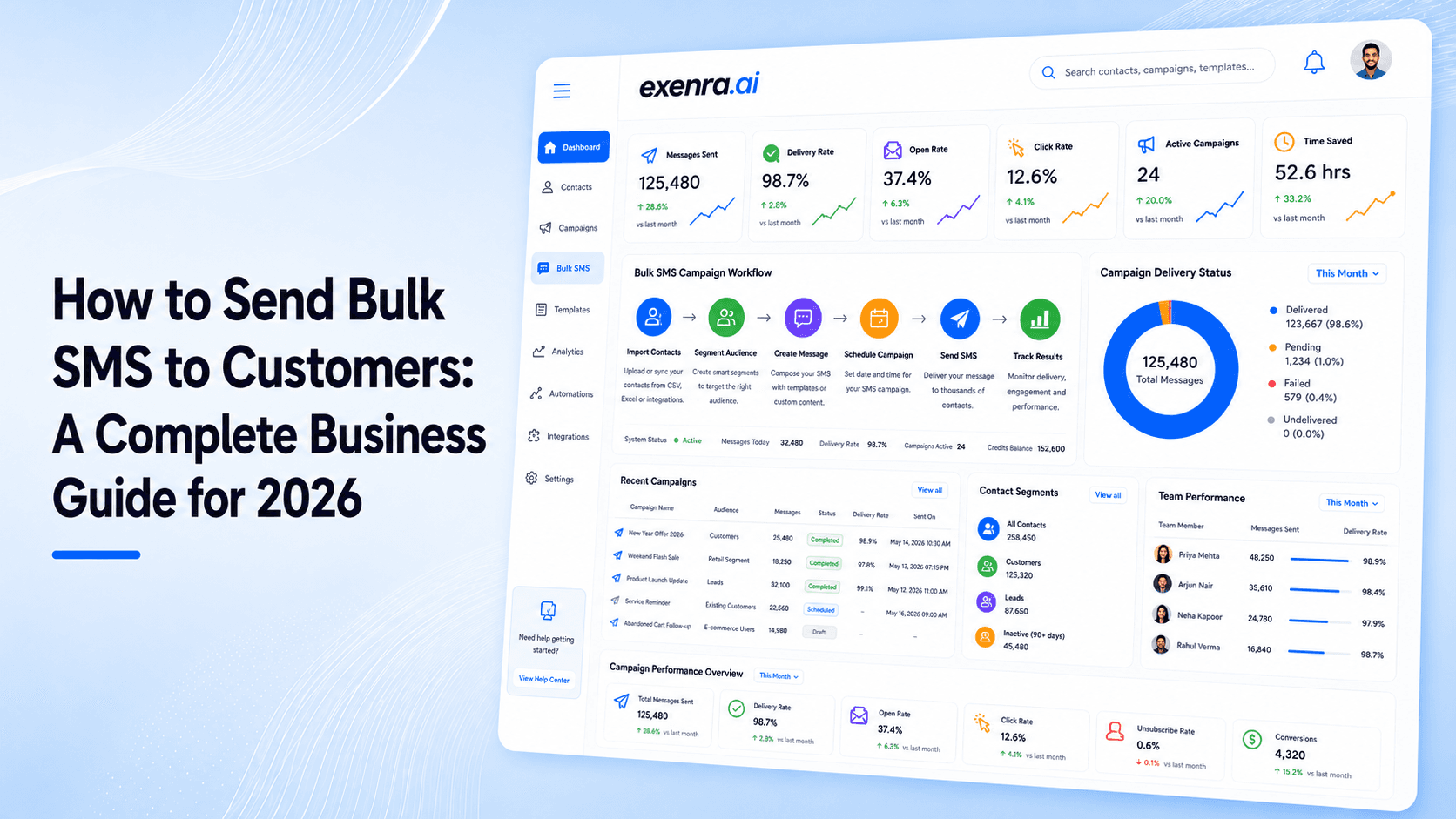
Businesses need a fast and reliable way to communicate with customers. Emails may remain unopened, phone calls can be missed and social media posts do not reach every follower.
This is why many businesses are searching for ways to send bulk SMSto customers for promotions, reminders, service updates and follow-ups.
However, traditional bulk SMS has several limitations. It usually supports plain text only, provides limited interaction and can make customer replies difficult to manage.
A more advanced option is bulk messaging through the WhatsApp Business API.
With Exenra.ai, businesses can create WhatsApp campaigns, use approved message templates, automate customer follow-ups and manage conversations from one platform.
This guide explains how bulk messaging works, how it differs from traditional SMS and how businesses can use Exenra.ai to improve customer communication in 2026.
Table of Contents
What Is Bulk SMS?
Why Businesses Use Bulk Messaging
Traditional SMS vs WhatsApp Bulk Messaging
How to Send Bulk Messages with Exenra.ai
Best Bulk Messaging Use Cases
Bulk Messaging Best Practices
Common Mistakes to Avoid
Why Choose Exenra.ai?
Frequently Asked Questions
Final Thoughts
What Is Bulk SMS?
Bulk SMS refers to sending one message to a large number of customers at the same time.
Instead of manually contacting every customer, a business can upload or select a contact list, prepare a message and send it to hundreds or thousands of recipients.
Businesses commonly send bulk messages for:
Promotional offers
Product announcements
Appointment reminders
Booking confirmations
Delivery updates
Payment notifications
Event invitations
Lead follow-ups
Customer support updates
Feedback requests
Traditional bulk SMS messages are delivered through mobile networks. They are usually short, text-based and designed for simple notifications.
WhatsApp bulk messaging provides a more interactive option by allowing businesses to include personalised text, images, documents and action buttons.
Why Businesses Send Bulk Messages in 2026
Customers expect businesses to communicate quickly.
They want immediate updates when they place an order, book an appointment, request a quotation or contact a sales team.
When communication is handled manually, businesses may experience several problems:
Customer enquiries are answered late.
Important follow-ups are forgotten.
Team members send duplicate replies.
Leads are stored in different places.
Customers do not receive timely updates.
Campaign results are difficult to track.
Sales opportunities are missed.
Bulk messaging allows businesses to reach a large audience without manually sending the same message again and again.
When combined with automation, it can also help businesses follow up with customers at the correct stage of their journey.
Traditional Bulk SMS vs WhatsApp Bulk Messaging
Although both channels allow businesses to reach customers directly, they provide different communication experiences.
Traditional Bulk SMS
Traditional SMS normally offers:
Plain text messages
Limited character length
Basic delivery reports
Limited personalisation
No product images
No interactive buttons
Difficult reply management
Limited automation options
Traditional SMS can still be useful for short alerts, one-time codes and essential notifications.
However, it may not be suitable for businesses that want to create interactive marketing and customer service campaigns.
WhatsApp Bulk Messaging
WhatsApp Business API messaging can provide:
Personalised message templates
Business branding
Images and documents
Quick-reply buttons
Website and call buttons
Two-way conversations
Automated responses
Customer segmentation
Shared team inbox
Lead management
Campaign tracking
This makes WhatsApp bulk messaging more suitable for businesses that want to turn messages into customer conversations.
How to Send Bulk Messages with Exenra.ai
Exenra.ai helps businesses use the WhatsApp Business API to create campaigns, send approved messages and manage customer replies.
Here is the complete process.
Step 1: Connect Your WhatsApp Business Account
The first step is to connect your business with the WhatsApp Business API.
This process may include:
Connecting your Meta business account
Adding your business information
Creating or selecting a WhatsApp Business Account
Registering a business phone number
Verifying the phone number
Completing the WhatsApp API configuration
Once connected, your business can use Exenra.ai to manage WhatsApp campaigns and customer conversations.
The WhatsApp Business API is different from the standard WhatsApp Business mobile application. It is designed for businesses that need automation, campaign messaging and multiple team members.
Step 2: Create a Permission-Based Contact List
Before sending bulk messages, businesses should create a list of customers who have agreed to receive communication.
Contacts may come from:
Website enquiry forms
Product registration forms
Customer purchases
Appointment bookings
Facebook lead forms
Instagram enquiries
WhatsApp conversations
Event registrations
Newsletter sign-ups
Existing customer databases
Businesses should avoid purchasing random phone number lists.
Sending messages to people who have not provided consent can damage customer trust and increase the risk of complaints or blocked messages.
Your customers should understand what type of communication they may receive, such as:
Promotional messages
Service notifications
Appointment reminders
Order updates
Customer support messages
Step 3: Organise and Segment Your Contacts
Sending the same message to every customer is not always effective.
Customers should receive messages based on their interests, previous actions or position in the sales journey.
Useful customer segments may include:
New leads
Existing customers
Recent purchasers
Inactive customers
Customers interested in a specific product
Customers from a particular location
Customers waiting for a quotation
Customers with abandoned enquiries
High-value customers
Customers who previously responded
For example, a new lead may need an introductory message, while an existing customer may receive a loyalty offer.
Segmentation makes campaigns more relevant and can improve customer response.
Step 4: Create a WhatsApp Message Template
Businesses normally use approved WhatsApp message templates when starting a conversation with customers outside the active customer service period.
Templates can be created for:
Marketing messages
Utility messages
Authentication messages
A WhatsApp message template may contain:
A text or media header
Main message content
Personalised variables
A footer
Quick-reply buttons
Website buttons
Call buttons
Example Bulk Message Template
Header: Special Customer Offer
Message:
Hi {{customer_name}}, receive {{discount}} off your next order with {{business_name}}. This offer is available until {{expiry_date}}.
Buttons:
View Offer
Contact Our Team
The template should clearly explain who is sending the message, why the customer is receiving it and what action they should take.
Step 5: Personalise Your Message
Bulk messaging does not need to feel generic.
Exenra.ai can help businesses use customer information to create more personalised messages.
Personalisation fields may include:
Customer name
Order number
Appointment date
Product name
Delivery status
Service location
Offer expiry date
Assigned sales representative
For example:
Hi Sarah, your appointment is confirmed for 3 August at 11:00 am. Reply to this message if you need to reschedule.
This message is more useful than sending the same general reminder to every customer.
Step 6: Select the Right Time
Campaign timing can affect customer engagement.
A message sent too early in the morning or late at night may feel intrusive. A reminder sent after the appointment or event is no longer useful.
Before sending a campaign, consider:
The customer’s local time
The type of message
The urgency of the information
The campaign deadline
The time needed for the customer to respond
Previous customer engagement
Appointment reminders may be sent one day before the booking, while delivery notifications should be sent when the order status changes.
Promotional campaigns should normally be delivered during reasonable business or early evening hours.
Step 7: Review and Test Your Campaign
Before sending a campaign to your complete contact list, review every detail carefully.
Check:
The selected audience
Customer contact information
Template approval
Personalisation fields
Offer details
Website links
Call-to-action buttons
Dates and times
Grammar and spelling
Opt-out instructions
Always send a test message first.
Testing helps identify incorrect variables, broken links, formatting problems and typing errors before the campaign reaches customers.
Step 8: Send the Bulk WhatsApp Campaign
Once your contact list, message template and campaign settings are ready, you can launch the campaign through Exenra.ai.
The platform can help businesses send structured WhatsApp messages without manually contacting every customer.
Your team can then focus on managing customer replies and converting interested contacts into leads or sales.
Step 9: Manage Customer Replies from One Inbox
A campaign may generate a large number of customer responses.
Without a central system, these replies can become difficult to manage.
Exenra.ai provides a shared communication environment where businesses can:
View customer conversations
Respond from one platform
Assign leads to team members
Track previous messages
Reduce duplicate replies
Identify unanswered enquiries
Continue conversations after campaigns
Update customer or lead status
This helps businesses move from simple message broadcasting to organised customer communication.
Step 10: Automate Customer Follow-Ups
Not every customer will respond to the first message.
Some customers may read the message and forget to reply. Others may need additional information before making a decision.
Automated follow-ups can help businesses continue the conversation.
A basic follow-up workflow may include:
Send the initial campaign.
Wait for the customer’s response.
Identify interested customers.
Assign qualified leads to the sales team.
Send a relevant follow-up message.
Create a task for high-value leads.
Update the lead status.
Stop messages when a customer opts out.
Follow-ups should remain helpful and relevant. Businesses should avoid repeatedly contacting customers who have not shown interest.
Step 11: Measure Campaign Performance
Businesses should review campaign results after sending bulk messages.
Important performance measurements may include:
Messages sent
Messages delivered
Messages read
Customer replies
Button clicks
Enquiries generated
Appointments booked
Sales completed
Failed messages
Opt-outs
Conversion rate
These results help businesses understand which message, audience and timing produced the best response.
Campaign data can then be used to improve future bulk messaging strategies.
Best Bulk Messaging Use Cases
Bulk WhatsApp messaging can support businesses in different industries.
E-Commerce and Retail
Online stores can send:
Product launch announcements
Back-in-stock notifications
Order confirmations
Delivery updates
Abandoned basket reminders
Discount offers
Customer feedback requests
Healthcare and Clinics
Healthcare providers can send:
Appointment confirmations
Appointment reminders
Schedule changes
General service information
Follow-up notifications
Sensitive customer information should always be handled carefully and according to applicable privacy requirements.
Real Estate
Property businesses can send:
New property alerts
Viewing confirmations
Project updates
Payment reminders
Open-house invitations
Enquiry follow-ups
Education
Schools, academies and training providers can send:
Admission updates
Class reminders
Course announcements
Schedule changes
Fee notifications
Event invitations
Service Businesses
Service providers can send:
Booking confirmations
Technician arrival updates
Maintenance reminders
Quotation follow-ups
Service renewal messages
Feedback requests
Restaurants and Hospitality
Restaurants and hospitality businesses can send:
Reservation confirmations
Booking reminders
Event announcements
Special menu promotions
Loyalty offers
Customer feedback requests
Best Practices for Sending Bulk Messages
A successful bulk messaging campaign should be relevant, clear and easy to understand.
Get Customer Consent
Only message customers who have agreed to receive communication from your business.
Keep the Message Clear
Customers should immediately understand:
Who is contacting them
Why they received the message
What information is being shared
What action they should take
Personalise Where Possible
Use customer names, order details, appointment times or other relevant information.
Use Audience Segmentation
Send messages to specific customer groups instead of sending every campaign to your complete database.
Include a Clear Call to Action
Tell customers what they should do next.
Examples include:
Reply to this message
Book your appointment
View the offer
Visit the website
Contact our team
Confirm your booking
Provide an Opt-Out Option
Customers should have a simple way to stop receiving promotional communication.
Monitor Customer Replies
Make sure your team is prepared to respond when customers engage with the campaign.
Common Bulk Messaging Mistakes to Avoid
Poorly managed campaigns can reduce customer trust and harm your brand reputation.
Avoid the following mistakes.
Messaging Customers Without Permission
Having a customer’s phone number does not always mean that they have agreed to receive promotional messages.
Sending Too Many Messages
Frequent and unnecessary messages can lead to complaints, blocked numbers and reduced engagement.
Sending the Same Message to Everyone
Customers have different interests and needs. Use segmentation to keep messages relevant.
Writing Unclear Messages
Avoid confusing offers, long paragraphs and complicated instructions.
Ignoring Replies
A successful campaign may generate many responses. Businesses should have a process for handling them.
Using Incorrect Personalisation
Always test dynamic fields before sending the complete campaign.
Forgetting to Track Results
Without campaign tracking, businesses cannot understand which messages are producing leads and sales.
Why Choose Exenra.ai for Bulk WhatsApp Messaging?
A basic bulk messaging tool may only send messages.
Exenra.ai helps businesses manage the complete customer communication process before and after a campaign.
With Exenra.ai, businesses can access features such as:
WhatsApp Business API connection
Bulk WhatsApp campaigns
Approved message templates
Customer segmentation
Automated replies
Automated follow-ups
Shared team inbox
Lead management
Team assignment
Customer conversation history
Campaign reporting
Centralised communication
This allows businesses to keep customer conversations, campaign responses and leads in one connected platform.
Instead of managing WhatsApp messages, spreadsheets and follow-up reminders separately, teams can create a more organised communication workflow.
Frequently Asked Questions
Can I send bulk SMS through Exenra.ai?
Exenra.ai primarily provides bulk messaging through the WhatsApp Business API. It allows businesses to create WhatsApp campaigns, send approved templates and manage customer replies.
It is different from traditional telecom-based SMS.
Can I send bulk WhatsApp messages to any number?
Businesses should send messages to customers who have provided permission to receive communication.
Promotional campaigns should follow WhatsApp messaging requirements and use approved templates where required.
Do WhatsApp bulk messages need approval?
Businesses normally use approved message templates when starting conversations outside the active customer service period.
Can I personalise bulk WhatsApp messages?
Yes. Businesses can use variables for customer names, order numbers, appointment dates, service locations and other relevant information.
Can customers reply to bulk messages?
Yes. Customers can respond to WhatsApp campaign messages and continue the conversation with your sales or support team.
Can multiple team members manage customer replies?
A shared inbox can allow authorised employees to manage conversations, assign leads and track customer follow-ups.
What is the best time to send bulk messages?
The best time depends on your audience and campaign purpose. Avoid sending non-urgent promotional messages early in the morning or late at night.
How often should businesses send promotional messages?
There is no fixed frequency for every business. Campaigns should be relevant, useful and expected by the customer.
Final Thoughts
Learning how to send bulk SMSto customers is not only about sending thousands of messages at the same time.
The real objective is to deliver the right message to the right customer and manage the conversation that follows.
Traditional SMS can be useful for simple notifications. However, WhatsApp Business API messaging provides more opportunities for personalisation, automation, media sharing and two-way customer communication.
With Exenra.ai, businesses can create bulk WhatsApp campaigns, automate follow-ups, organise customer replies and manage leads from one platform.
Whether you want to promote an offer, remind customers about appointments, provide order updates or follow up with new leads, Exenra.ai can help you create a faster and more organised communication process.
Start Sending Bulk WhatsApp Messages with Exenra.ai
Connect your WhatsApp Business API, create personalised campaigns and manage customer conversations from one central platform.
Start using Exenra.ai today and turn bulk customer messaging into meaningful business conversations.
Comments
0 publishedComments are not open for this article yet.